


Podstrony branżowe

Automotive

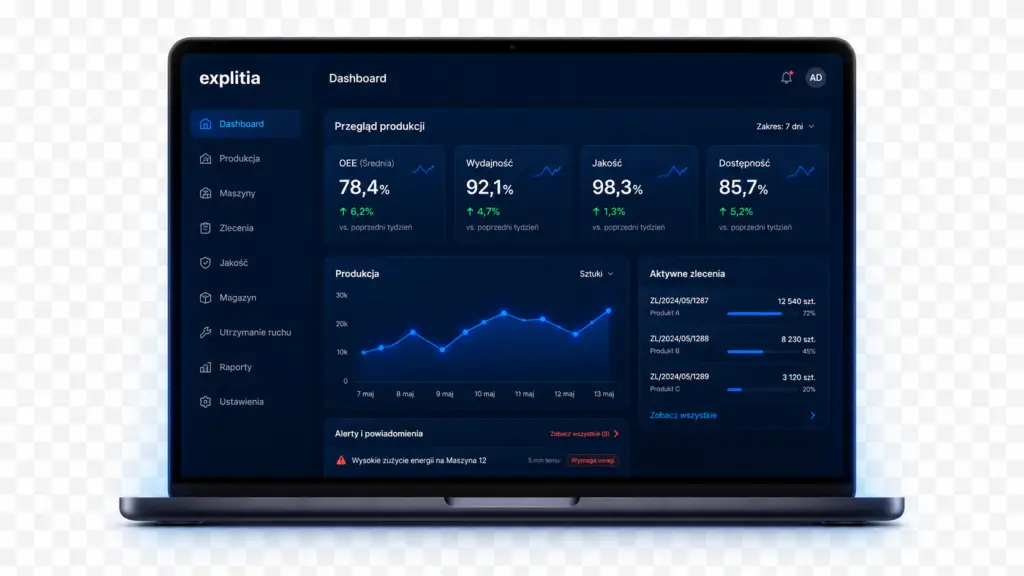
Co zawiera Portal Produkcyjny

Andon board 

  • Current station statuses 

  • Status duration 

  • Multiple stations in one view 

Click stuff to see more

Jak wygląda współpraca krok po kroku?

1. Collect station data

The system receives statuses, counters and operator information from production stations. 

2. Display current conditions 

The Andon board shows the live status and duration of each state.

3. Record production events 

Every status and counter change is saved in the system history. 

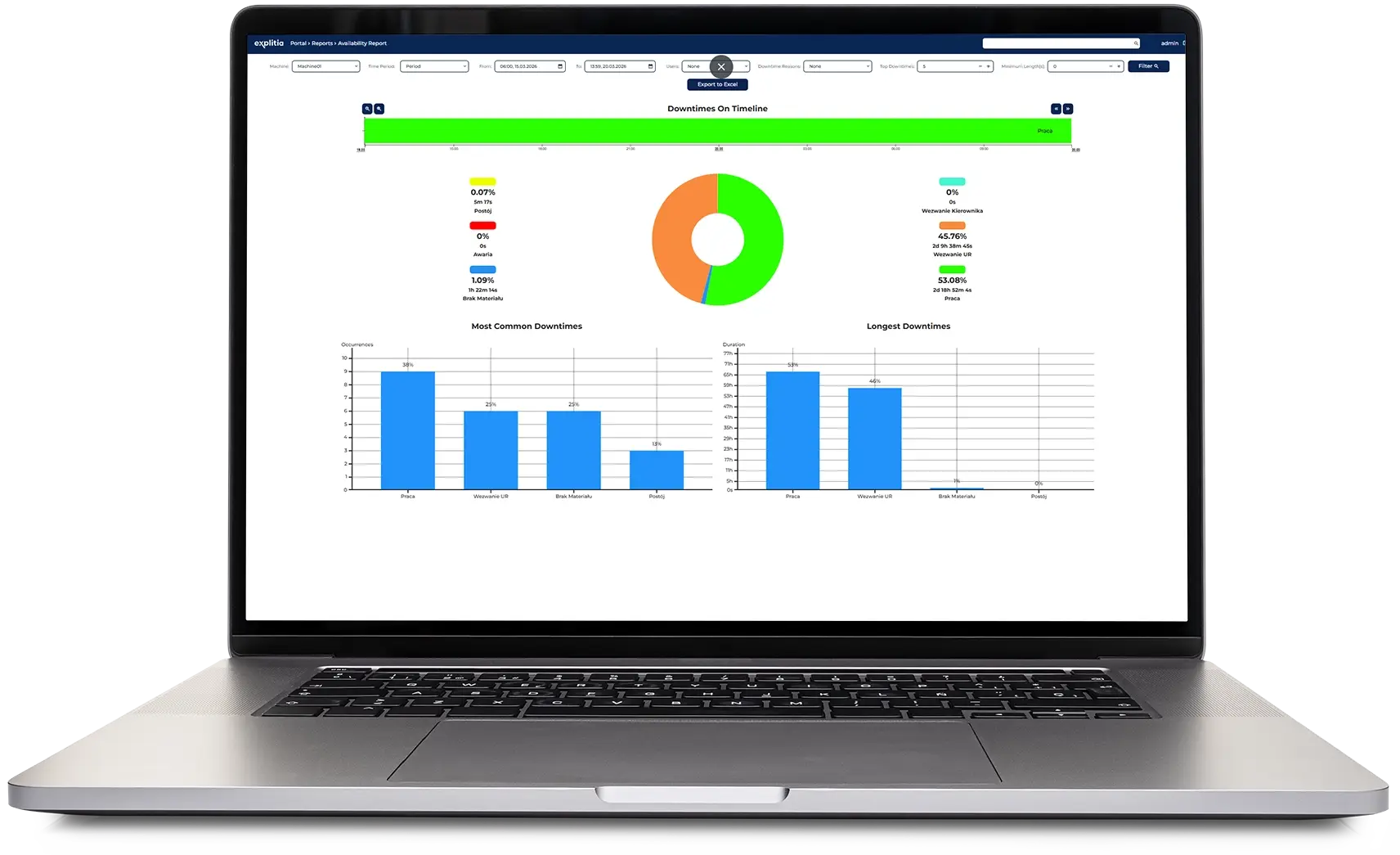
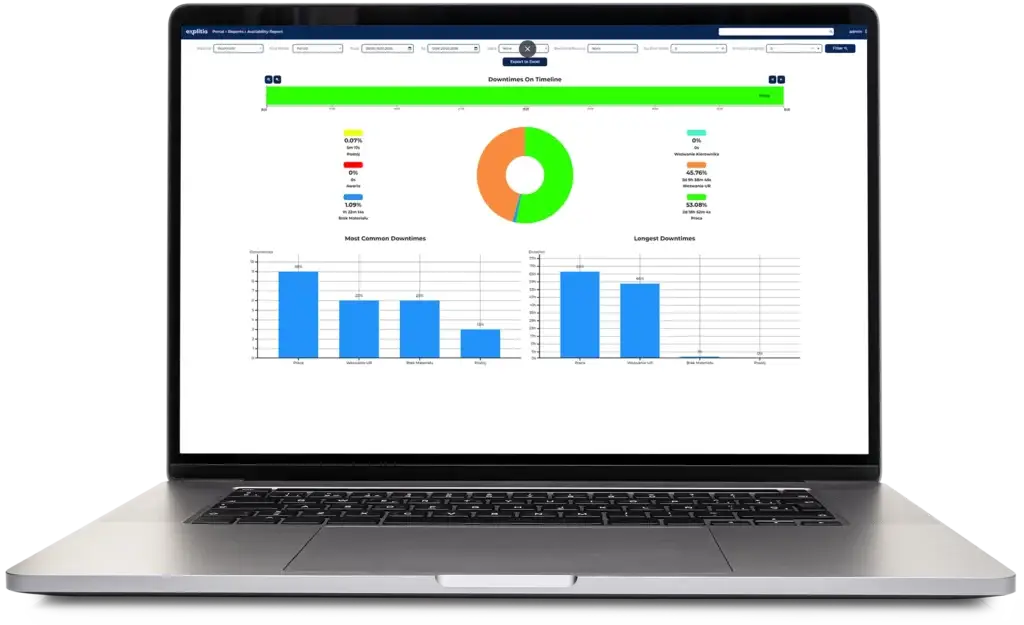
4. Analyse disruptions 

Timeline and Pareto reports reveal recurring and long-lasting production issues. 

5. Improve response standards 

Teams use reliable data to shorten response times and prevent repeated losses. 

Dlaczego explitia?

See how better shop floor visibility helps teams respond faster. 

Faster issue detection

See production disruptions as soon as they occur. 

Shorter response times 

Direct attention to the station that requires support.

Clear shop floor visibility

Monitor multiple stations from one shared view.

Better production data

Build a reliable history of statuses and downtime.

Faster issue detection

See production disruptions as soon as they occur. 

Shorter response times 

Direct attention to the station that requires support.

Clear shop floor visibility

Monitor multiple stations from one shared view.

Better production data

Build a reliable history of statuses and downtime.

Nasze doświadczenie w Volkswagen Polkowice

Faster issue detection

See production disruptions as soon as they occur. 

Shorter response times 

Direct attention to the station that requires support.

Clear shop floor visibility

Monitor multiple stations from one shared view.

Better production data

Build a reliable history of statuses and downtime.

This field is required.
Scroll to Top
This site is registered on wpml.org as a development site. Switch to a production site key to remove this banner.