


Automation of production recording with Production
Record production automatically with explitia.Production
Automation of production recording for better process control
Reduce manual reporting, organize production data and monitor order execution in one consistent environment.

What is explitia.Production?
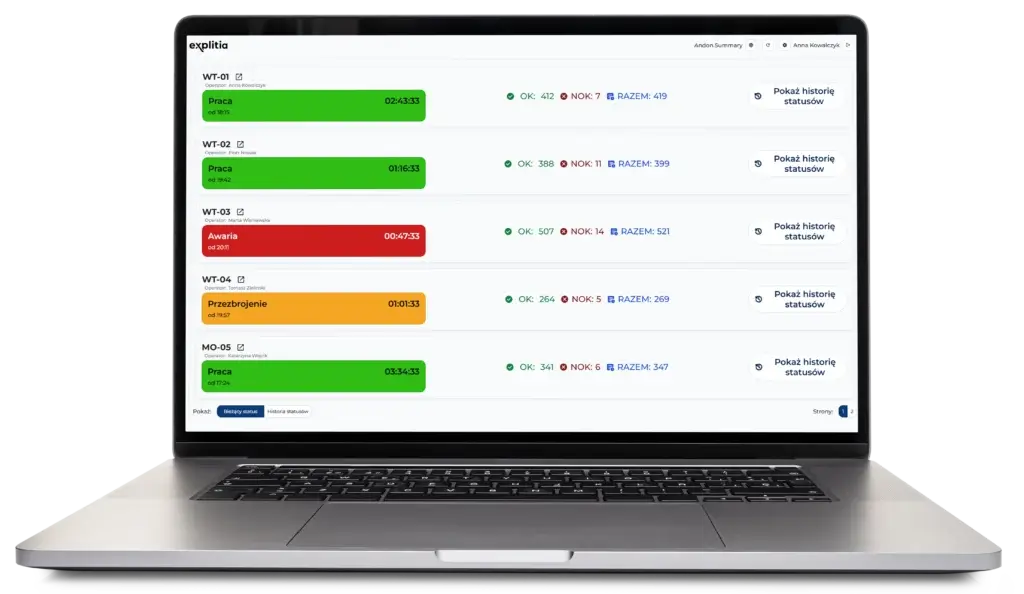
explitia.Production is a production data management solution that automates production recording, organizes process information and provides a clearer view of order execution.

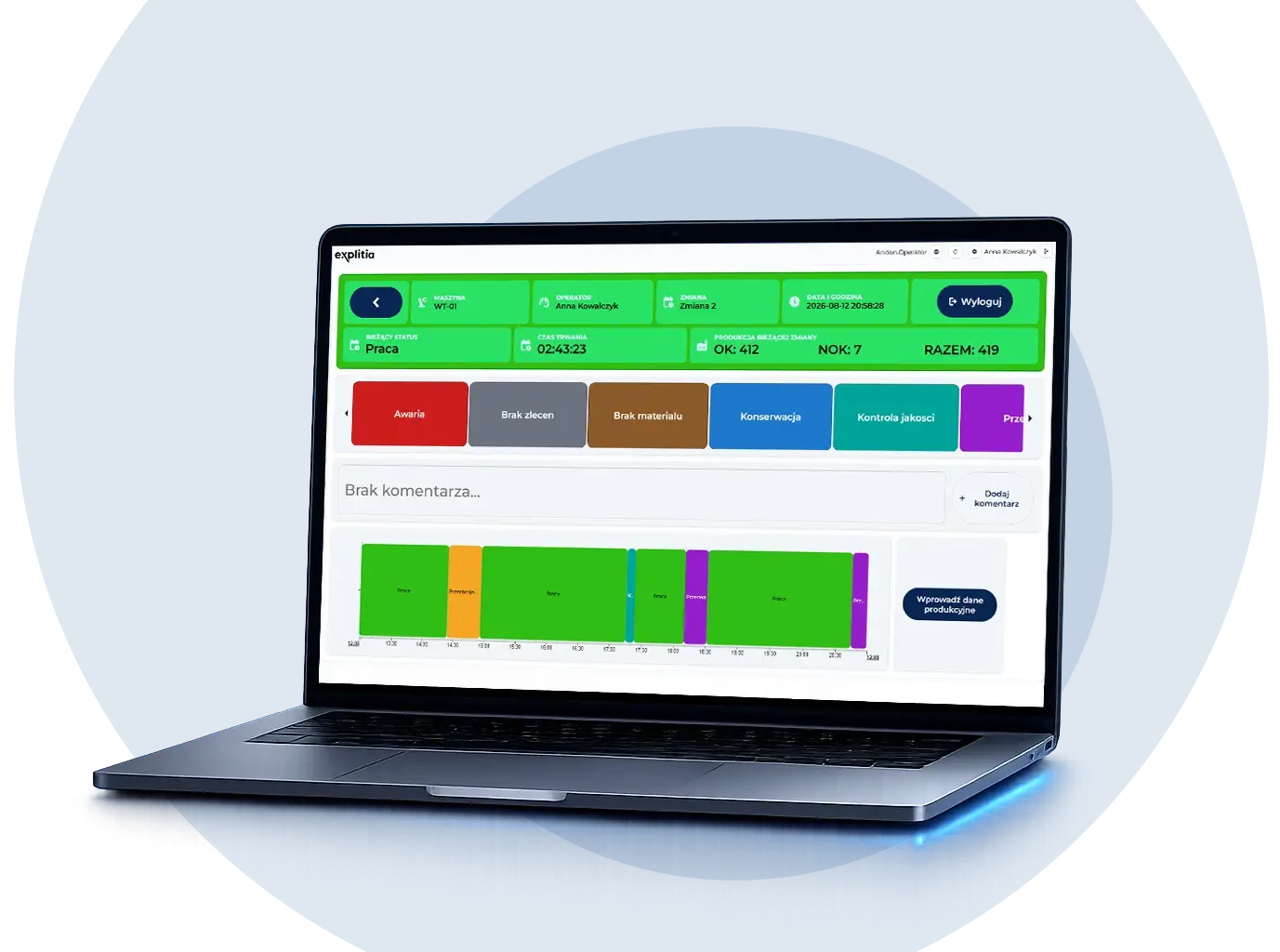
Production data recording
Collect process information automatically or manually.

Automatic reporting
Replace handwritten reports with clear summaries.

Order monitoring
Track quantities, stages and production progress.

Process history
Store production records for analysis and comparison.
The effects of production recording automation
Gain more reliable production data, reduce repetitive work and improve visibility across the manufacturing process.
-
Benefits for your production plant
-
Organize production information in one system.
-
Reduce manual and duplicate data entry.
-
Compare production results and performance indicators.
-
Monitor production orders against the plan.
-
Support decisions with historical process data.
-
Turn production records into useful information for planning and management.

Turn production records into useful information for planning and management

Less manual reporting
Reduce handwritten reports and repeated data entry.

More reliable data
Use consistent information collected from real processes.

Better order control
Monitor quantities, stages and execution progress.

Faster issue detection
Identify delays and bottlenecks sooner.
How does explitia.Production work?

Data collection
The system collects production information.


Data organization
Records receive the right process context.


Production monitoring
Users track orders, quantities and stages.


Reporting and analysis
Data becomes available in clear summaries.
opis czy cośtam
What does explitia.Production include?

Production data recording


Order execution


Process information


Production results


Production resources


Historical analysis


Production data recording
-
Automatic machine data collection
-
Manual information entry
-
Current production quantities
Discover other modules of the Production Portal
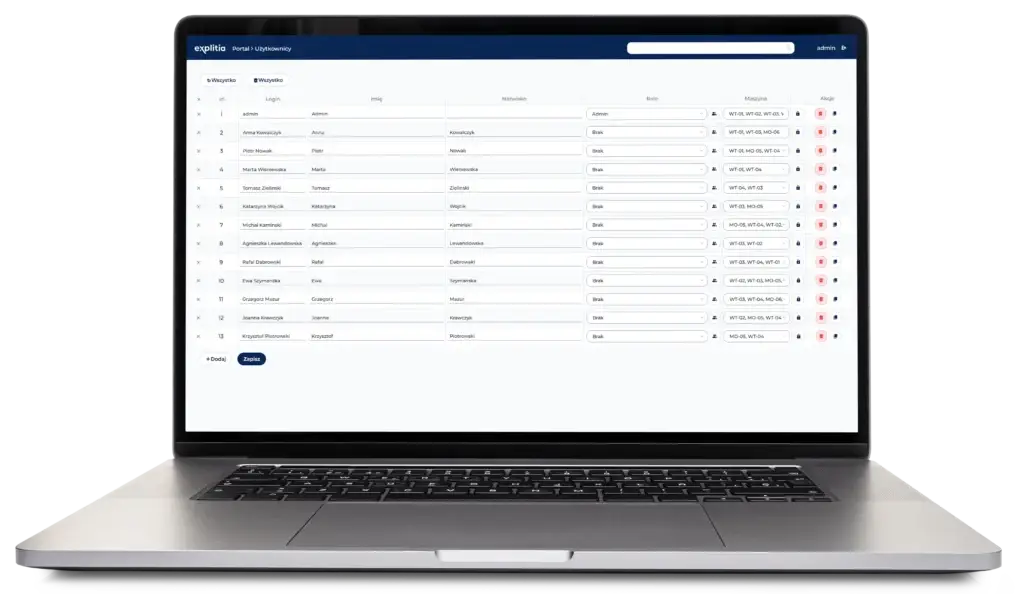


Order execution
-
Production order status
-
Start and end times
-
Progress against the plan
Discover other modules of the Production Portal


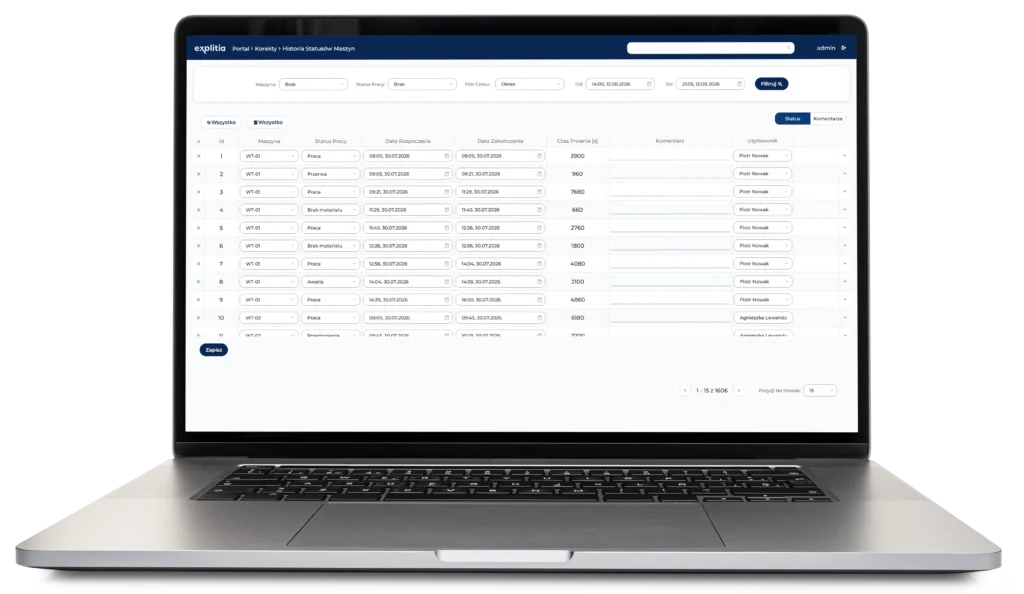
Process information
-
Process sequence and stages
-
Execution parameters
-
Relationships between operations
Discover other modules of the Production Portal


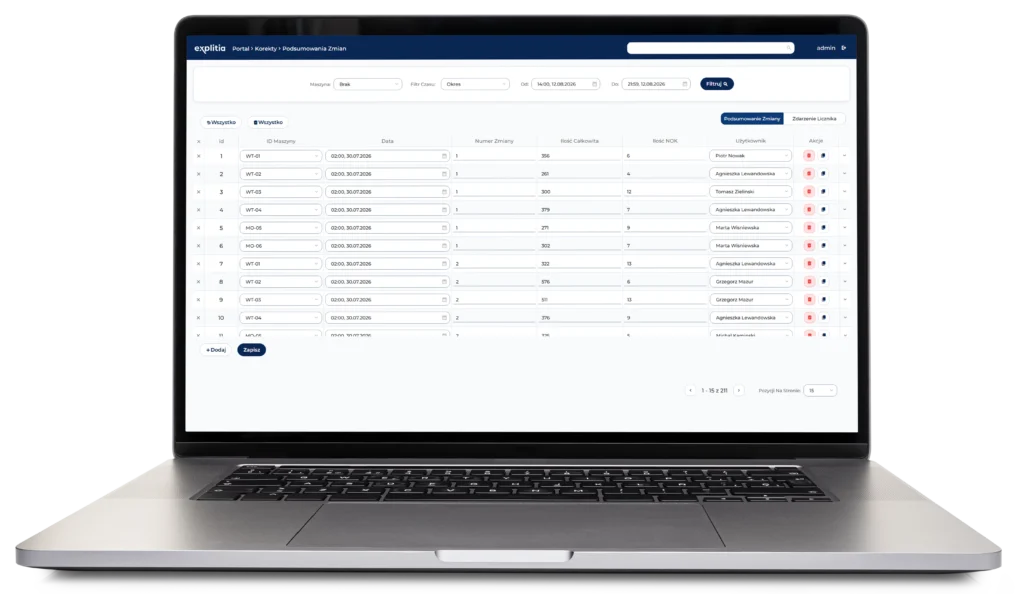
Production results
-
Quantity of material produced
-
OK and NOK statuses
-
Reasons for non-conformities
Discover other modules of the Production Portal


Production resources
-
Components used
-
Tools used in production
-
Machine and workstation context
Discover other modules of the Production Portal
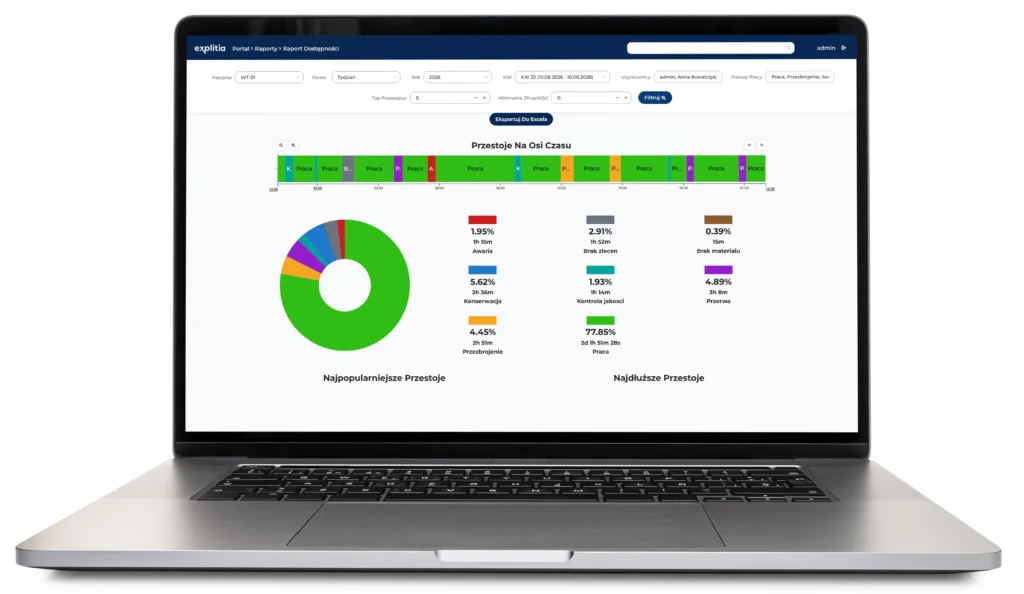


Historical analysis
-
Archived production information
-
KPI comparison
-
Bottleneck identification
Discover other modules of the Production Portal
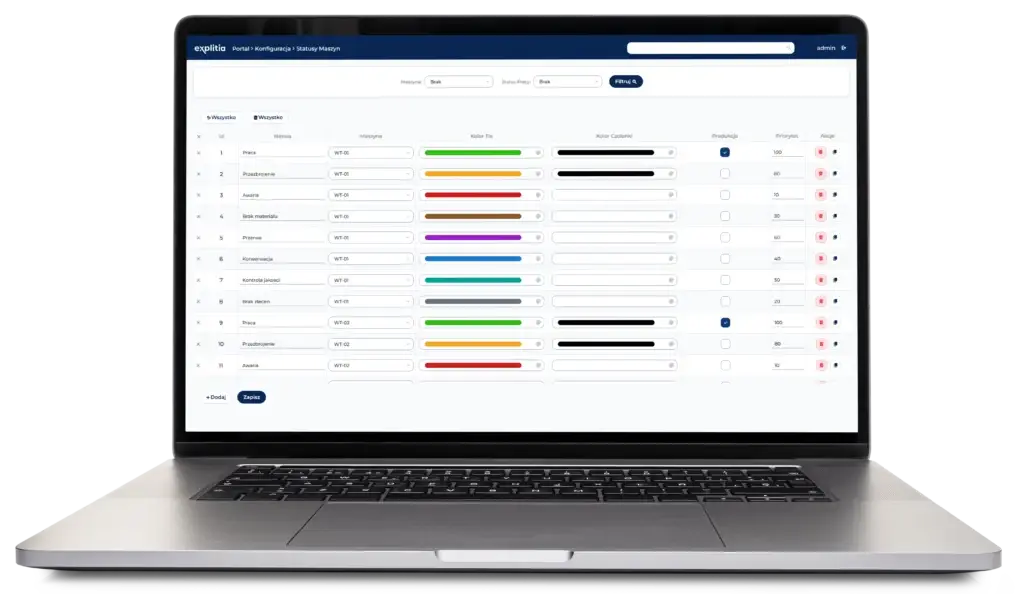

Integrations

Production machines

PLC controllers

ERP systems

Production orders

OEE monitoring

Production reporting

Traceability systems

Production Portal
These connections combine process data, order information and production results in one consistent information flow.
Automatic production reporting in a nutshell
Read the article
Read the article

See how an effective production data flow improves process visibility, reporting accuracy and day-to-day production control.
-
Reduce delays and gaps in production reports.
-
Connect data with machines, operators and orders.
-
Compare results across production lines and shifts.

Topic
Production reporting

Key areas
Data flow, visibility, control

Content type
Practical guide
Elements of explitia.Production

Data Collection
Collects production information automatically and through manual entries.

Production Recording
Stores quantities, statuses, parameters and process events.

Order Monitoring
Tracks production progress in relation to orders and plans.

Process History
Records production flow and relationships between individual stages.

Automatic Reporting
Presents production information in clear and consistent summaries.

Performance Analysis
Supports KPI comparison and bottleneck identification.

Production Context
Connects data with machines, operators, products and workstations.
FAQ: Automation of Production Recording
Automation of production recording replaces manual reports with a system that collects, organizes and presents data from the manufacturing process.
explitia.Production is a production data management solution designed to improve production recording, reporting and order monitoring.
It can collect quantities, process times, production statuses, parameters, components, tools and information about individual process stages.
Yes. The system can collect data automatically from machines and other production systems.
Yes. Manual entry can be used when specific information cannot be detected or collected automatically.
Yes. Automatic data collection and reporting reduce handwritten documentation and repeated entry of the same information.
Yes. Historical and current process data can help identify stages that slow down production flow.
Yes. It is particularly useful in continuous, bulk and batch-based production where tracking every individual unit may not be required.
Yes. It can record broader process and batch history without requiring the identification of every individual product.
Yes. ERP integration can connect production records with orders, plans and other information used to manage production.
Yes. It can operate as a standalone solution or as part of the wider Production Portal environment.
Implementation may include process analysis, data source identification, system integration, reporting configuration, testing and user training.
Automate production recording
Reduce manual reporting and gain a clearer view of orders, process data and production performance.

Reliable records
Collect real production data.

Better order control
Monitor execution progress.

Automatic reporting
Use clear production summaries.