


SMS notifications system in industry from explitia
SMS notifications system for industrial automation
React faster to failures and process deviations
Receive automatic SMS alerts when monitored production parameters exceed defined thresholds. Inform the right employees immediately, even when they are not watching the system visualization.

What is an SMS notifications system?
The SMS notifications system monitors selected production parameters and automatically informs assigned recipients when a defined alarm condition occurs.

Automatic process monitoring
Monitor selected values from machines, PLCs and other automation devices.

Configurable alarm thresholds
Define conditions, delays and thresholds for individual production parameters.

Immediate SMS alerts
Send notifications to selected employees or groups when an irregularity occurs.

Browser-based configuration
Manage variables, recipients and notification rules without coding.
The effects of implementing an SMS notifications system
Respond faster to production irregularities, reduce the risk of downtime and improve communication between responsible teams.
-
Receive notifications without constantly watching the visualization.
-
Reduce delays in communicating production problems.
-
Configure separate recipient groups for different areas.
-
Limit false alarms by setting notification delays.
-
Repeat notifications when the alarm condition continues.
-
Expand the system with new devices and monitoring rules.

Deliver information about critical production events directly to the people who can react.

Faster reaction to failures
Inform maintenance employees immediately about machine and device issues.

Reduced downtime risk
React before an irregularity results in a longer production stoppage.

Better process safety
Monitor parameters that affect equipment, production and product quality.

Clear responsibility
Send each alert to the group responsible for a specific hall, line or process.
How does SMS notifications system implementation work?

Install the hardware
Connect the SMS router and prepare the application server.


Connect automation devices
Configure communication with machines, PLCs and process devices.


Configure the system
Define variables, alarm thresholds, delays and recipient groups.


Train the team
Show employees how to manage notifications in the web browser.


Launch notifications
Start monitoring parameters and sending automatic SMS alerts.
opis czy cośtam
What comes with the SMS notifications system?

Independent configuration


Notification delays


Multiple notifications


Recipient groups


Personalized messages


Visualization and logs


Independent configuration
-
Add new monitored variables.
-
Define upper and lower alarm thresholds.
-
Manage settings without programming.
Discover the full explitia Production Platform
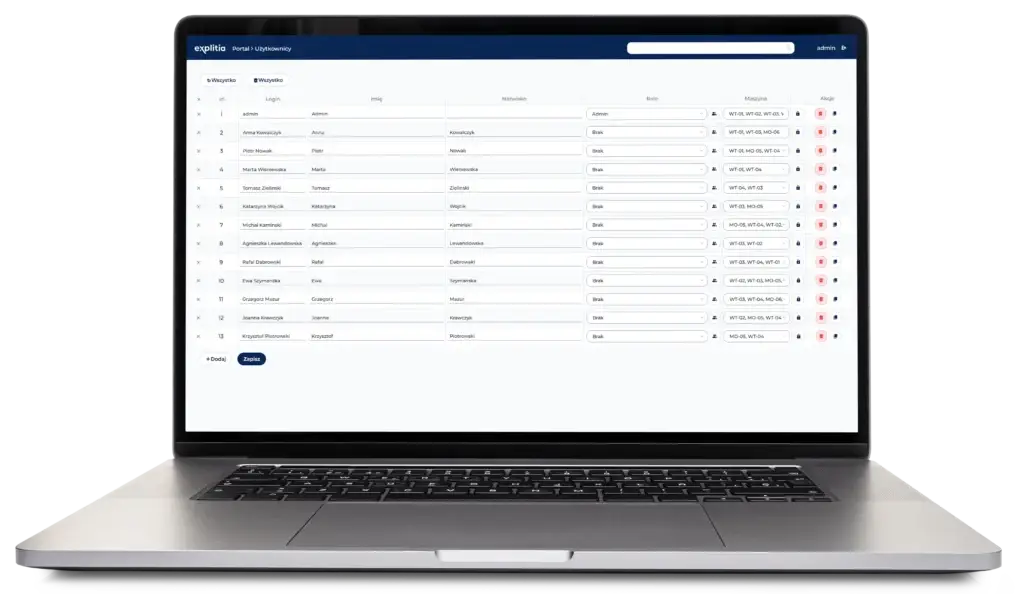


Notification delays
-
Set how long a condition must continue.
-
Avoid alerts caused by temporary deviations.
-
Adjust delays to individual parameters.
Discover the full explitia Production Platform



Multiple notifications
-
Repeat messages when an alarm continues.
-
Define the notification frequency.
-
Keep responsible teams informed.
Discover the full explitia Production Platform
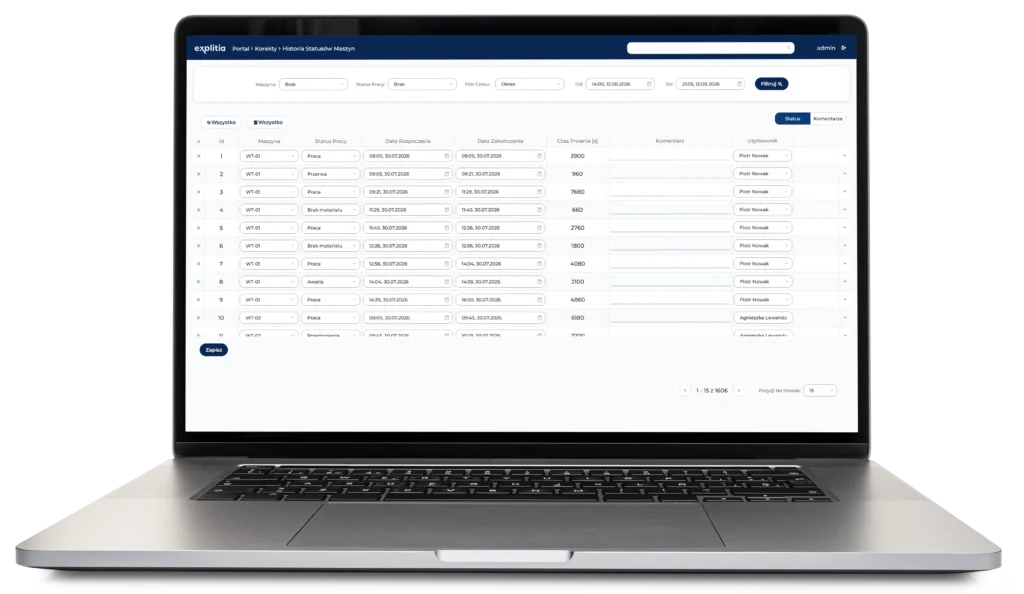


Recipient groups
-
Create groups with different phone numbers.
-
Assign alerts to halls, lines or departments.
-
Send critical notifications to management.
Discover the full explitia Production Platform
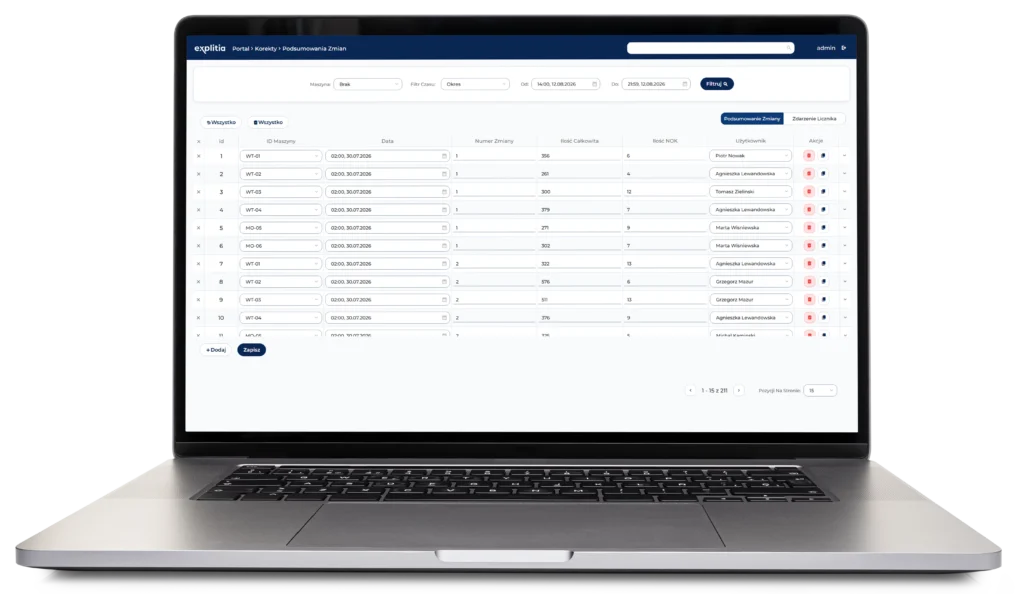


Personalized messages
-
Add current process values to SMS content.
-
Include the event time and parameter name.
-
Describe the alarm in a clear format.
Discover the full explitia Production Platform
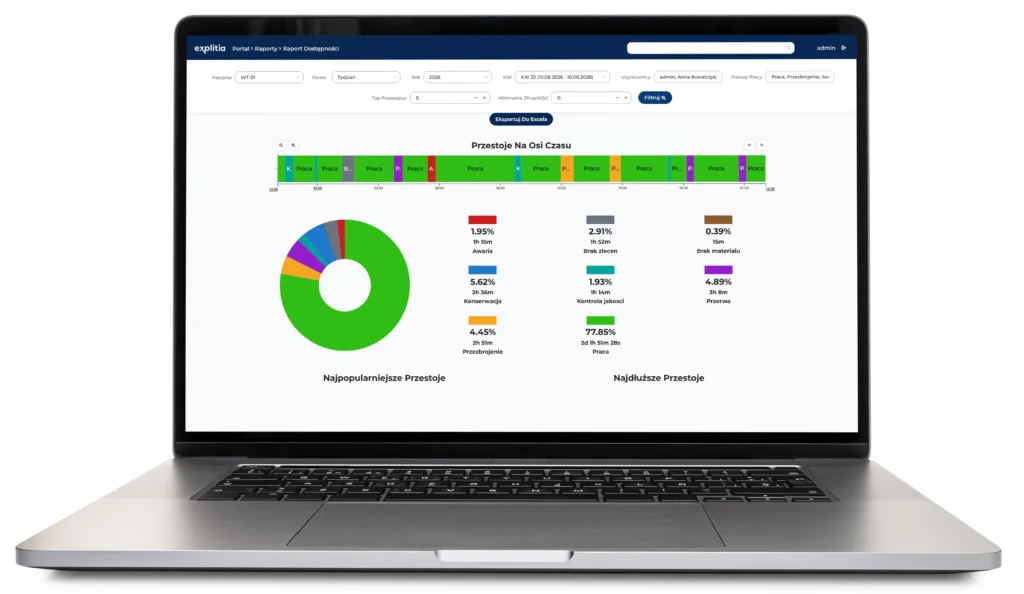


Visualization and logs
-
View current process values.
-
Check device connection status.
-
Review the history of recent alarms.
Discover the full explitia Production Platform
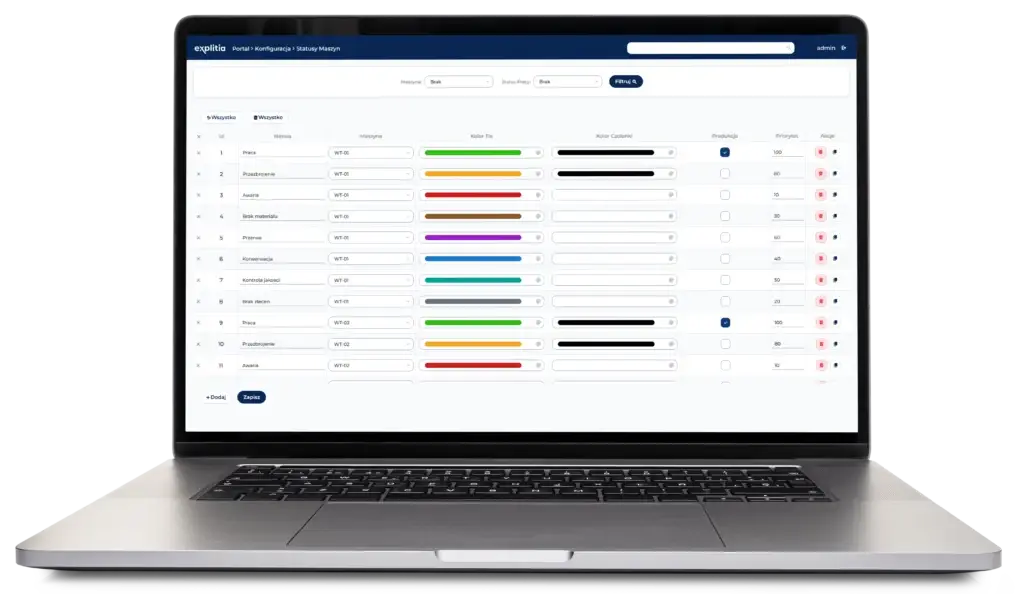

Supported devices and communication environments

Siemens PLC

OPC

Modbus

MQTT

SMS router with a SIM card

Application server

Industrial server

Office computer

Raspberry Pi

Plant network
The system connects with automation devices through standard communication protocols and operates locally within the production plant network.
Data Analysis in Production. Discover the 2-Minute Rule
Learn how alerts support production data analysis

See how simplified data, clear visualizations and automatic alerts help production teams identify important events and react faster.
-
Learn how alerts reduce the need for continuous system monitoring.
-
See how quick access to information supports safety and production continuity.
-
Discover how production data can be simplified for faster analysis.

Topic
Production data analysis and alerts

Key areas
Data visualization, automatic alerts, reaction time, production continuity

Content type
Production data guide
Explore key SMS notifications system elements

Monitored variables
Select parameters from machines, controllers and production processes.

Alarm thresholds
Define when a monitored value requires a response.

Notification delays
Send an SMS only when the alarm condition continues for a specified time.

Repeated notifications
Remind recipients when an unresolved problem remains active.

Recipient groups
Assign notifications to specific halls, lines and responsibility areas.

Personalized SMS content
Include the variable name, current value and event time in the message.

Live dashboard
View current values and device connection statuses in a web browser.

Alarm history
Review recent alerts associated with machines and workstations.
FAQ: SMS Notifications System in Industry
It is a tool that monitors selected production parameters and sends an SMS when a defined alarm condition occurs.
The system can communicate with production automation through Siemens PLCs and standard protocols such as OPC, Modbus and MQTT.
It can monitor selected values from machines and process devices, including operating parameters and alarm conditions.
Yes. Variables, thresholds, delays, recipients and message content can be configured from a web browser without coding.
Yes. A delay can be defined so that an SMS is sent only when the alarm condition continues for a specified period.
Yes. The system can send further messages at a configured frequency when the problem remains active.
Yes. Separate recipient groups can be created for specific halls, lines, departments and responsibility areas.
Implementation requires an SMS router with a SIM card, access to the plant network and a computer or server running the application.
The solution can operate locally within the plant network, independently of external internet services.
Yes. It can monitor individual machines, production lines, multiple variables and several production halls.
React faster to critical production events
Monitor selected process parameters and send automatic SMS alerts to the people responsible for production, maintenance, quality or warehouse operations.

Immediate production alerts
Inform responsible employees as soon as an alarm condition occurs.

Flexible notification rules
Configure thresholds, delays, repetitions and recipient groups.

Secure local operation
Run the system within the plant network with minimal infrastructure requirements.